
THE 71CENT DANCE. YOUR TAKE.
Supalonely AI Dance.Your face.
Your place.
Supalonely AI Dance puts your person and scene into the @71cent trend, with the same dance and matching slowed music. Upload a clear person photo and an optional background image to create your version.
Preview the complete template, then use images you have permission to transform. Pay once as a guest and download your finished MP4 with its matching music. No AI Effects account or subscription is required.
YOUR DANCE STARTS HERE
Make your Supalonely video.
Same dance. Same music. Your photo and scene.
- 01Photo + preview
- 02Pay + generate
- 03Download
Checking for your last video…
Checkout merchant: BoomK Engine.
THE MOVES. THE MUSIC. YOUR PHOTO.
One photo.
The Supalonely move.
Preview the Supalonely AI Dance template with sound. The included routine follows @71cent’s current dance, slowed to match the music in the blue-background Pickle Sahur version. Your video uses this same passage and pace; you never need to upload a reference clip.
Use a clear, front-facing photo with one person, their arms and both legs visible. Add a background image if you want a different scene, or keep the setting from your person photo.
Motion reference: @71cent. Sound version: the MemeScreens Pickle Sahur adaptation. Compare the reference with a real AI example using our original concept person and a blue background. Read the source note.
Where this dance and sound come from
The Pickle Sahur post shown in this trend credits @71cent and describes a slowed version of the song. We use the current creator’s human performance as the motion reference, adjusted to that slower musical passage. The full source frame and complete music passage are kept. This is the current AI meme routine. Source attribution does not imply that the creators endorse AI Effects.
@71cent’s performance · The blue-background Pickle Sahur version · BENEE joins the current routine
THE SHORT VERSION
From still photo
to your next move.
Your Supalonely AI Dance version starts with a person, a place, and one selected routine. The template supplies the dance and soundtrack, so you can focus on how your version should look.
- 01
Choose your person and scene
Prepare one clear full-body person photo, plus an optional background image. Each can be a JPEG or PNG up to 10 MB. The person is required; a separate scene is your choice. You do not upload a dance video or music file.
- 02
Pay once as a guest
Review the US$9.99 price for one complete video of about 15 seconds at 720p. Continue through Stripe as a guest. Keep the order page and number so you can return to the same request rather than pay a second time.
- 03
Save the dance with its music
Your Supalonely AI Dance download is one MP4 with the full routine and its matching soundtrack already together. Follow your order’s progress, then save the finished file. Play it with sound to check the face, steps, chosen scene, and music before sharing.
A BETTER STARTING POINT
One good photo.
More room to dance.
Prepare your Supalonely AI Dance photos before checkout. These original concept images explain framing, lighting, and creative choices. They are preparation illustrations, not generated results.
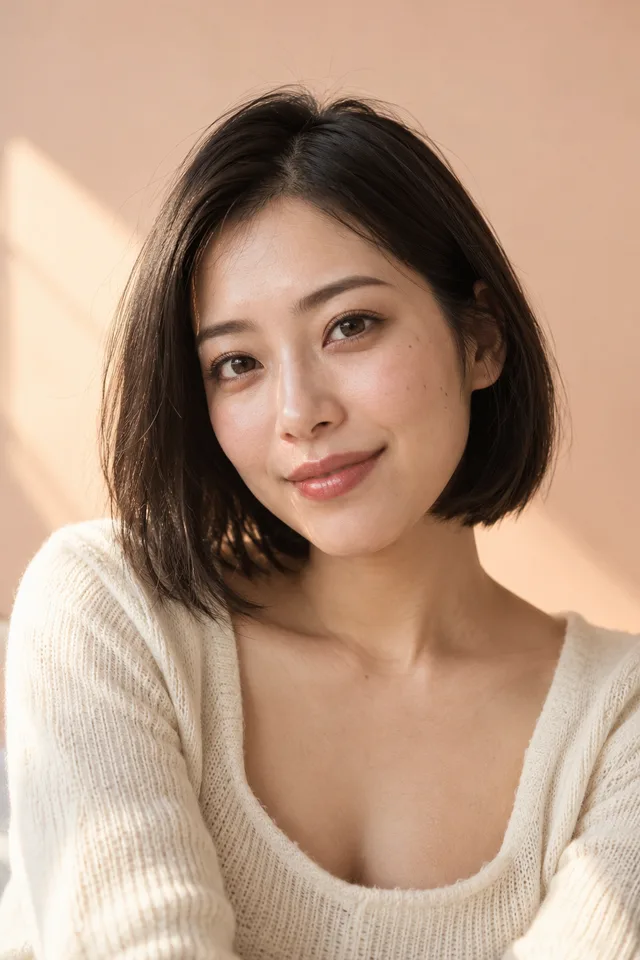 CONCEPT IMAGE
01 / The subject
A face you can recognize.
Start with one person, a sharp face, and even light. This portrait illustrates facial detail for Supalonely AI Dance; choose a wider photograph for the actual upload so the body is visible too. Avoid heavy filters or a hand covering the face.
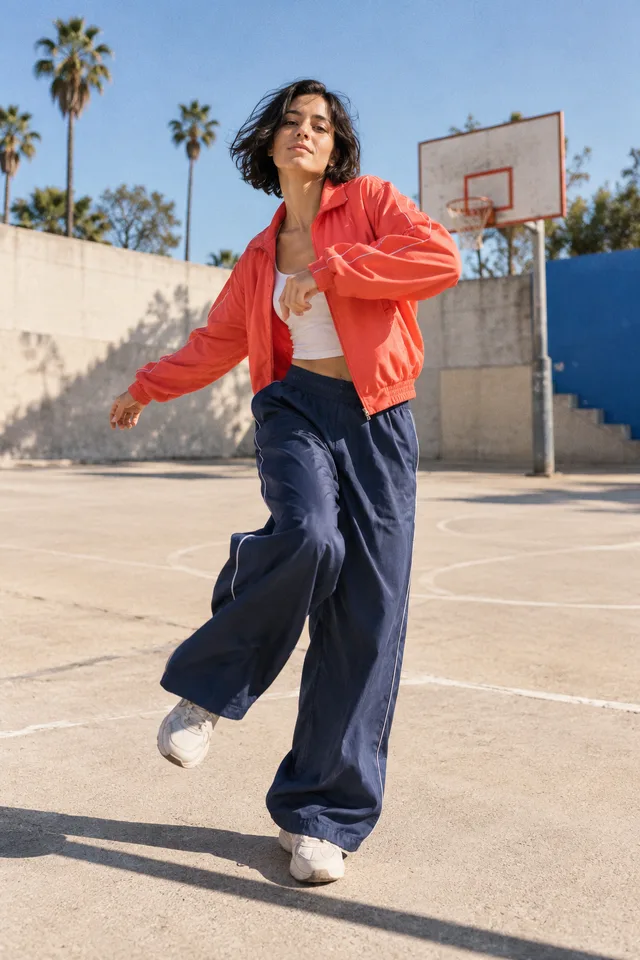 CONCEPT IMAGE
02 / The framing
Leave room for the footwork.
The selected Supalonely AI Dance routine uses the legs and arms. Start with a full-body photo showing the head and feet, with space beside the body for wide gestures. This concept demonstrates useful framing, rather than the actual template choreography.
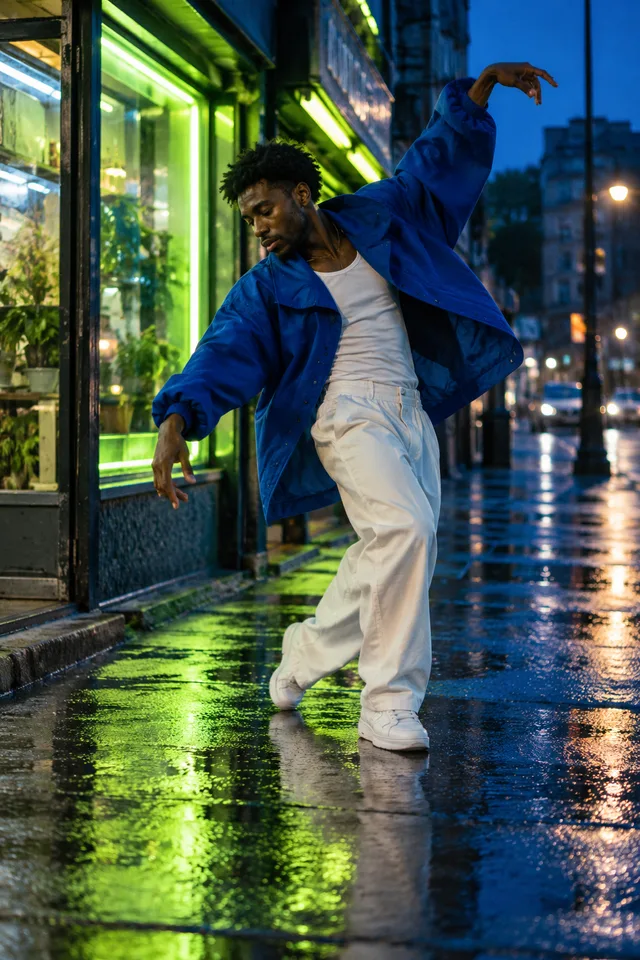 CONCEPT IMAGE
03 / The detail
Keep the silhouette clear.
Choose clothing that stands apart from the background. Dark sleeves against a dark wall can hide the arms. Give Supalonely AI Dance a clear outline and an open stance, without nearby people, furniture, or large props obscuring the person.
ONE DANCE. ONE MATCHING SOUNDTRACK.
Keep the beat.
Change the person and place.
The Supalonely AI Dance version here follows @71cent’s routine in the slowed Pickle Sahur-style version selected for this page. The template supplies the movements and matching music at the same speed. Your person photo changes who appears; an optional background gives you a way to choose a different setting when custom scenes are available.
Keep the whole selected dance, including the legwork and the matching audio timing, in a single video of about 15 seconds. Choosing a background does not switch the routine or replace the music. You should not have to find a separate track, line up a separate song, or cut off the last steps yourself. Watch the template before choosing a photo so its framing makes sense for your subject.
Supalonely AI Dance keeps your order and download together, so you can return in the same browser to save the result. The dance preview shows source footage, while the six creative images are preparation concepts. Review your own finished file for identity, scene details, movement, and sound before posting it.
Add my photoMAKE THE IDEA YOURS
Bring a little
personality.
A Supalonely AI Dance idea can start with an outfit, a favorite setting, or a playful character mood. These creative notes help you plan the look; they do not demonstrate finished generation quality.
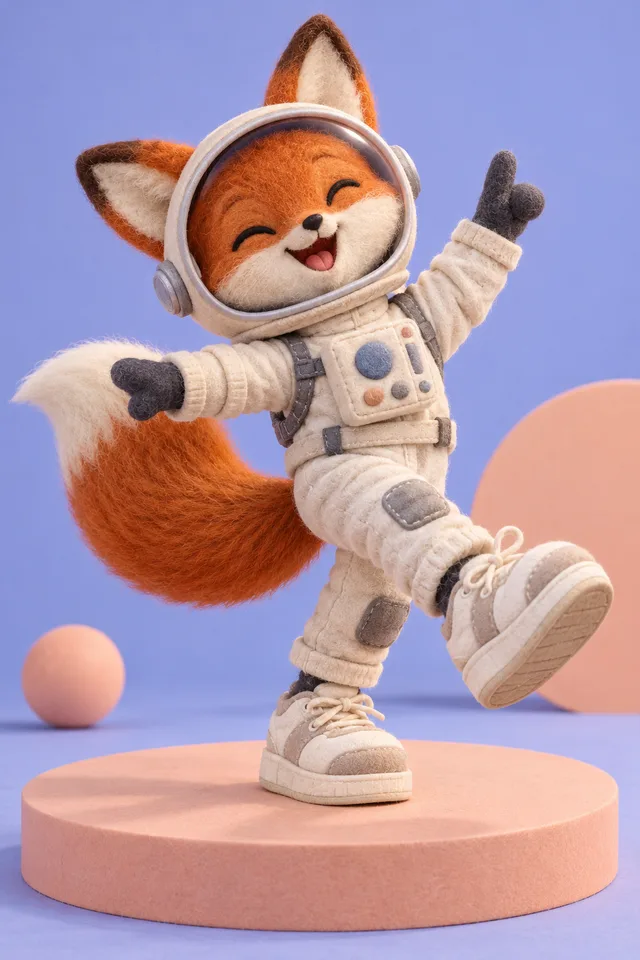 CONCEPT IMAGE
A character with a clear shape
Pickle Sahur-style remakes show how a familiar dance can inspire a character idea. This original fox is a creative concept for Supalonely AI Dance. The intended workflow starts with a person photo; unusual proportions and nonhuman bodies still need separate testing.
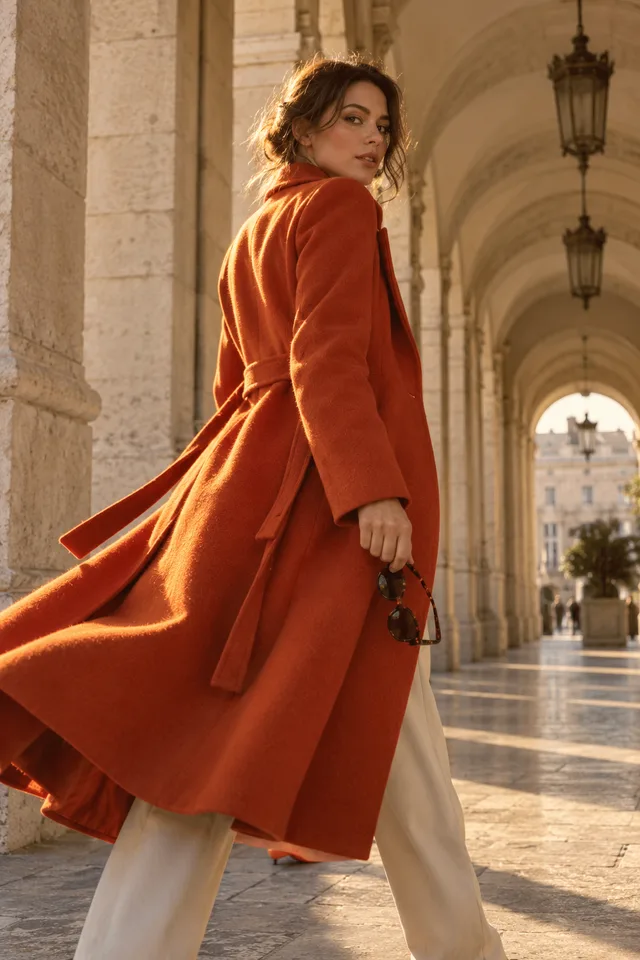 CONCEPT IMAGE
A scene with room to move
An arcade, open studio, or quiet street can suggest a setting for your Supalonely AI Dance version. The optional background image chooses the scene; it does not choose a different routine or song. This illustration is a mood reference. Check the upload control to see whether custom backgrounds are available.
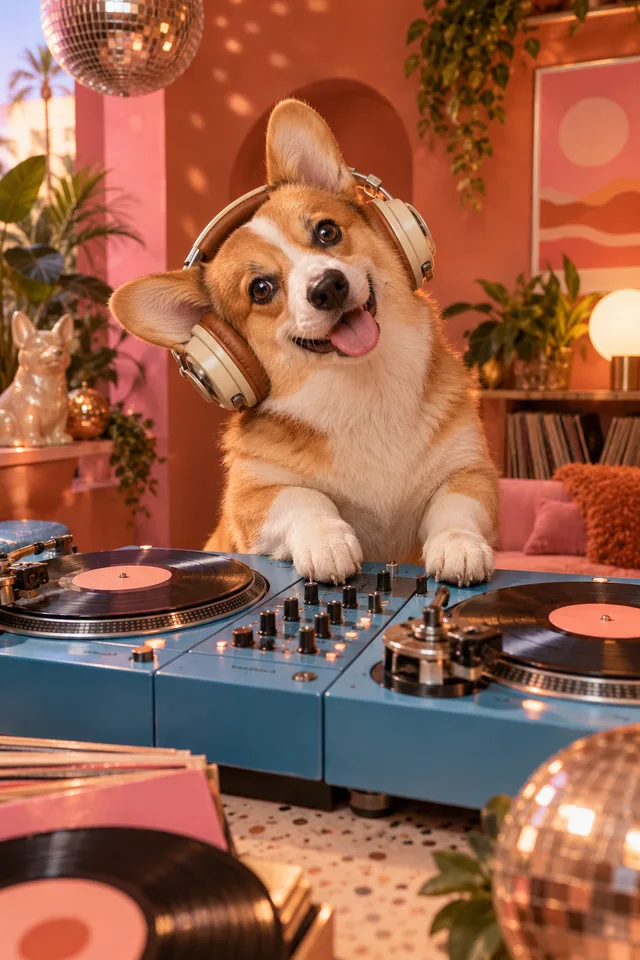 CONCEPT IMAGE
An idea is not a promise
A playful pet concept can be fun to collect, but a human dance does not automatically fit a four-legged animal. This image is creative inspiration only. The page currently asks for a person photo, and these illustrations should never be mistaken for a gallery of finished customer videos.
Still exploring a visual direction? Browse the AI video effects reference collection for more creative starting points.
KEEP THE FINISHED TAKE
Your result.
Ready to save.
Your Supalonely AI Dance order returns one MP4 with the whole selected routine and matching music. When your order finishes, download it directly from the order page. Save a local copy and keep your order number until you have checked the file on your device.
Play the whole file with sound. Look at the face, fingers, legwork, and edges around the dancer. Listen for the opening beat and ending. If you chose a scene, check the person’s scale and lighting against it. A cover image cannot tell you how the full video feels.
- One video per checkout
- Full template · About 15 seconds · 720p
- Matching music in the MP4
- No AI Effects account required
BEFORE YOU HIT THE BEAT
A few useful
answers.
Your person, background, payment, and Supalonely AI Dance download.
Ask supportWhich Supalonely AI Dance version is this?
Supalonely AI Dance follows the @71cent routine in the slowed Pickle Sahur-style version selected for this page. The template supplies the full dance and matching audio at the same speed. Your photograph supplies the person, and an optional background image lets you choose a scene. The result follows that selected routine with your person and chosen setting. You can preview the supplied dance before uploading, then follow your guest order through generation to a complete MP4 download.
How do my photo and optional background fit into the video?
A Supalonely AI Dance starts with one required person photo. Add a separate background image if you want to suggest a different setting. Both inputs are still images; you do not need to film yourself, find a dance video, write a prompt, or upload music. The upload control shows whether custom scenes are available. Leaving it empty means you are not requesting a separate scene replacement.
What photos should I upload?
Use JPEG or PNG files, up to 10 MB each. A clear full-body person photo with the head and feet visible gives Supalonely AI Dance a useful starting point for the legwork. Leave space around the arms, choose even lighting, and avoid a crowd or objects hiding the body. For an optional scene, choose a background with room for the dancer. Only upload a person’s image and background that you have permission to use.
How much is one full video?
US$9.99 covers one Supalonely AI Dance video at 720p: the complete template of about 15 seconds with its matching slowed music. It is a per-video price, not a subscription. An optional background is included in that same video request. Review the final amount in Stripe before paying. One purchase produces one finished MP4; another photo or a different version is a separate request.
Does the finished video keep the same music?
Your Supalonely AI Dance MP4 keeps the template’s own audio: the same segment, speed, and timing as the preview. The song is already included when you download, so there is no separate music-upload or syncing step. The video purchase does not grant an unrestricted music license; check the permitted use for your post or advertisement.
Do I need an account or subscription?
The Supalonely AI Dance checkout is for guests. You do not need to create an AI Effects account or buy a recurring plan. One purchase covers one video. Stripe may ask for payment and receipt information during checkout. Your order can be recovered in the same browser, so keep its browser data and order number until you have saved the file. Another person photo or a new version is a separate request.
Will every movement and facial detail match perfectly?
The goal is to follow the selected routine, but Supalonely AI Dance cannot promise a frame-perfect copy of every body movement or facial detail. Fast steps, crossed arms, loose clothing, and partially hidden limbs can introduce changes. A custom scene may also change small background details. Review the whole finished clip with sound, including the feet, hands, face, and edges around the dancer, before deciding to share it.
How do I download my video or recover a paid order?
Once a paid Supalonely AI Dance order is complete, use its MP4 download button and save the video on your device. Return in the same browser to recover the order; keep your order number as well. Check movement and sound in the saved file. A cancelled payment does not start generation. If a paid order fails, contact support with its order number instead of immediately paying again.
YOUR PERSON. YOUR SCENE. THE SAME BEAT.
Find the move.
Put yourself in it.
Create your Supalonely AI Dance with a clear person photo and an optional background. Preview the selected dance and matching slowed music, then make the complete video for US$9.99. Follow the progress in this browser and download your finished 720p MP4.
Create my dance video