
Choose the speaking structure
Choose one host or two turns. Add a portrait, script and voice per speaker. Put your Baby Podcast setup first and response second.
ON AIR / A VERY SMALL HOST
Little face.
Plenty to say.
Make a Baby Podcast from an adult portrait, your script and a chosen voice: a fictional tiny host with something to say.
Choose one host or two turns. Watch the reference, prepare your lines, then create a private video to watch and download with sound.
Turn adult portraits into fictional baby hosts. Write a line and choose a voice to drive each speaking turn and its mouth movement.
Host A speaks first, then Host B answers. Write a short line and choose a voice for each. Aim for 8–16 words per turn. Your complete line is spoken; actual duration is checked before animation. You can optionally upload your own recording.
720p · vertical MP4 · voice and lip animation · 6–20 seconds total
Use one consenting adult per portrait, JPG/PNG/WebP up to 10 MB, larger than 300 pixels per side. For uploaded audio, use one clear voice per clip with a short pause at its edges. Preset voices read your script; this tool does not clone the reference speakers or replace the original footage.
Your chosen voice drives the speaking turn
Your written line is first spoken in the selected preset voice. That speech then drives the matching baby host’s mouth movement. You can also upload and preview your own recording. Two turns play in order, without added background music. Check articulation and the cut in your finished video; real lip-sync accuracy is still unverified.
Checking availability…
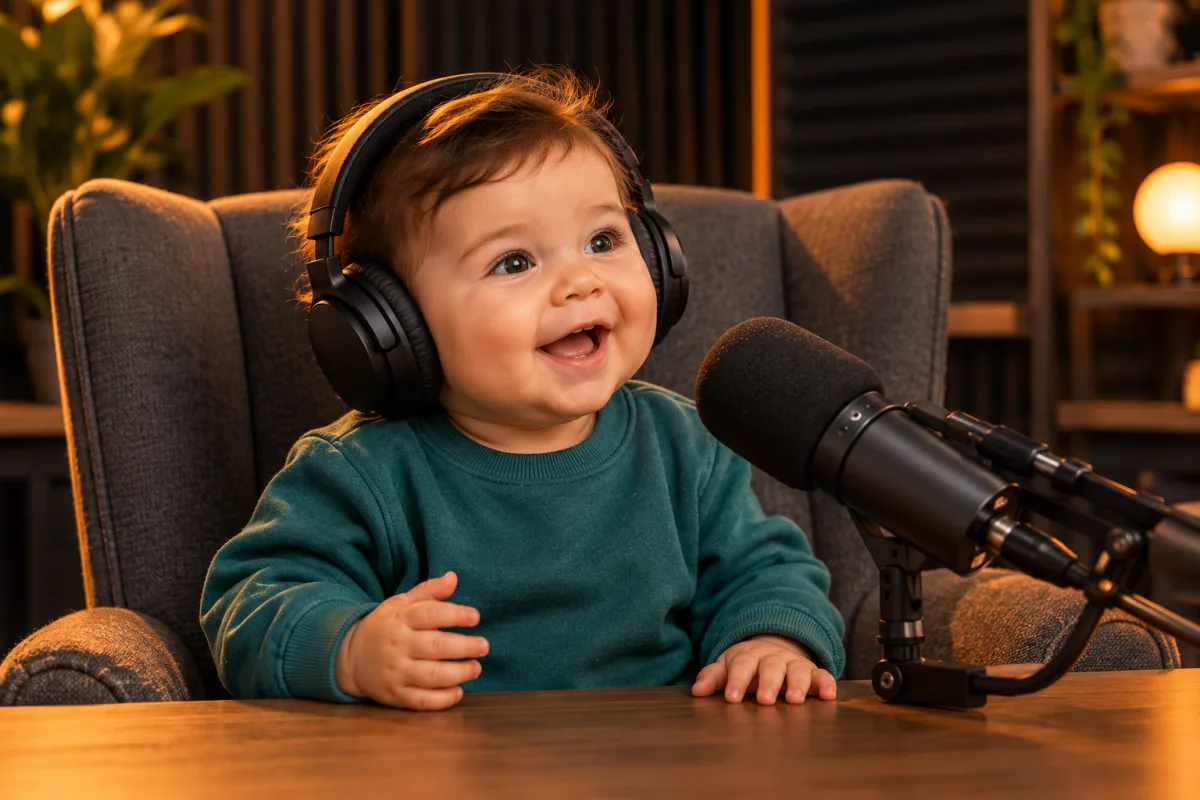
01 / THE BABY PODCAST GUIDE
The Baby Podcast pairs a small character with serious delivery: headphones, a microphone, a clear line and an expressive voice.
This Baby Podcast tool transforms your portrait and synthesizes your script with a selected voice. That speech drives mouth animation. It creates a fresh clip rather than replacing faces inside reference footage.
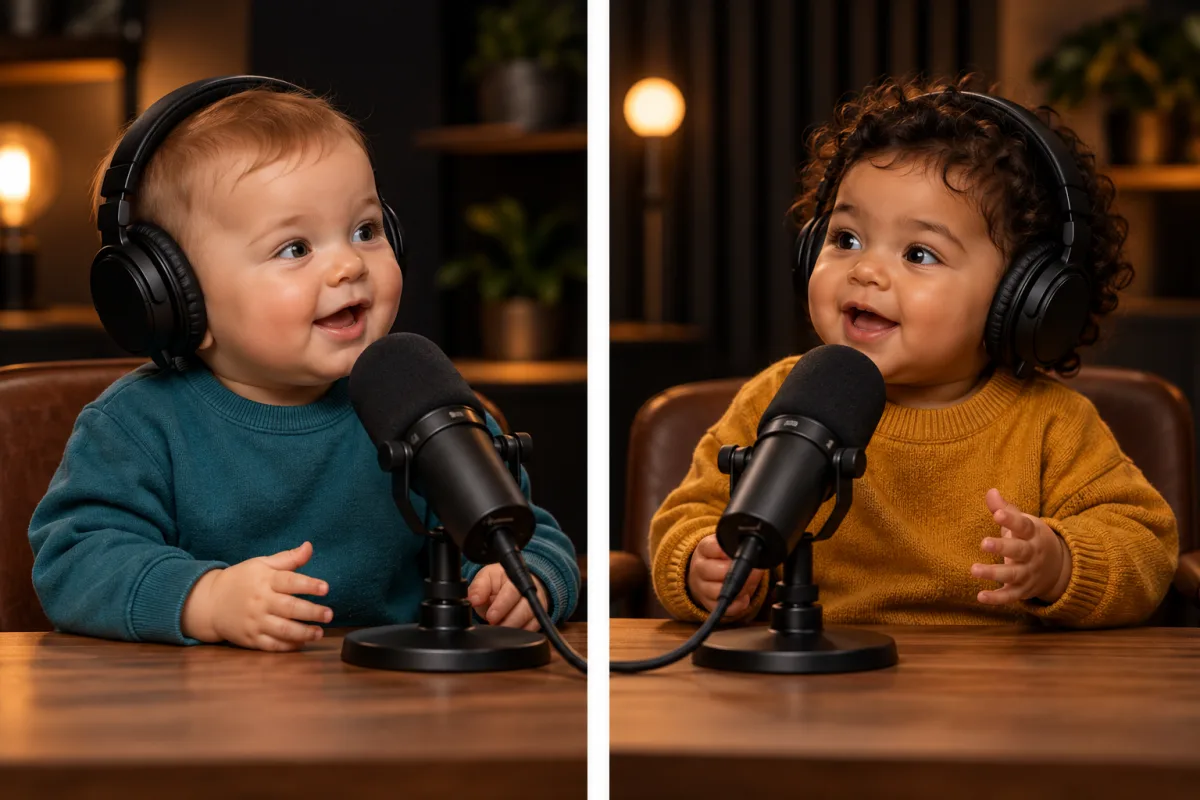
02 / THE BABY PODCAST GUIDE
A single-host Baby Podcast suits an opinion, greeting or everyday complaint. Add one adult portrait, a short script and a voice. The generated speech must fit 3–15 seconds.
For a two-host Baby Podcast, give each portrait its own script and voice. Each turn must fit 3–10 seconds: 6–20 seconds combined. Host A speaks, then Host B answers, rather than two simultaneously speaking faces in one frame.
Keep the answer after the question. Actual synthesized duration determines whether the script fits; overlong speech is rejected, not cut halfway through a word.
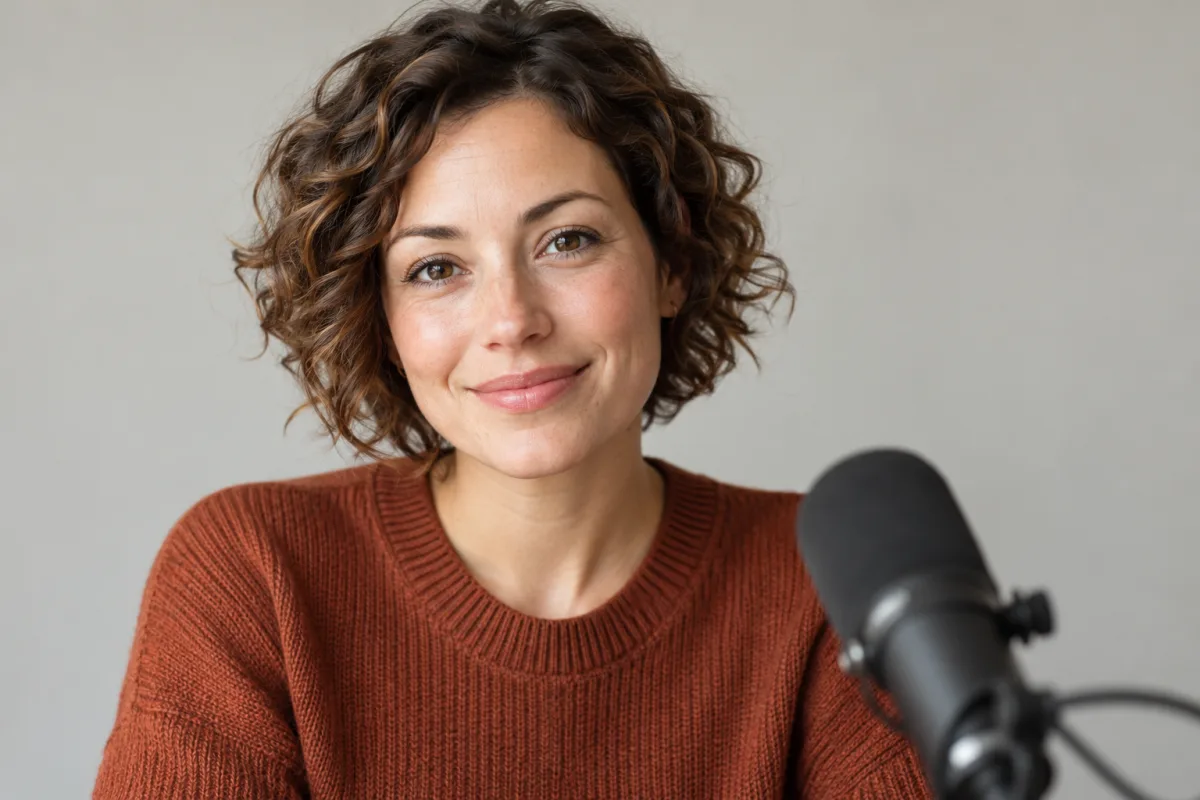
03 / THE BABY PODCAST GUIDE
Start your Baby Podcast with one consenting adult’s clear portrait. Keep the mouth unobstructed and space around the head. Avoid sunglasses, heavy filters and group photos.
Baby-style features, clothes and scenery are generated interpretations, not childhood-photo restoration or predictions of someone’s real baby appearance.
Illustrations are original AI concepts, separate from customer outputs. Creator videos remain credited references; neither demonstrates a result from your own photograph.
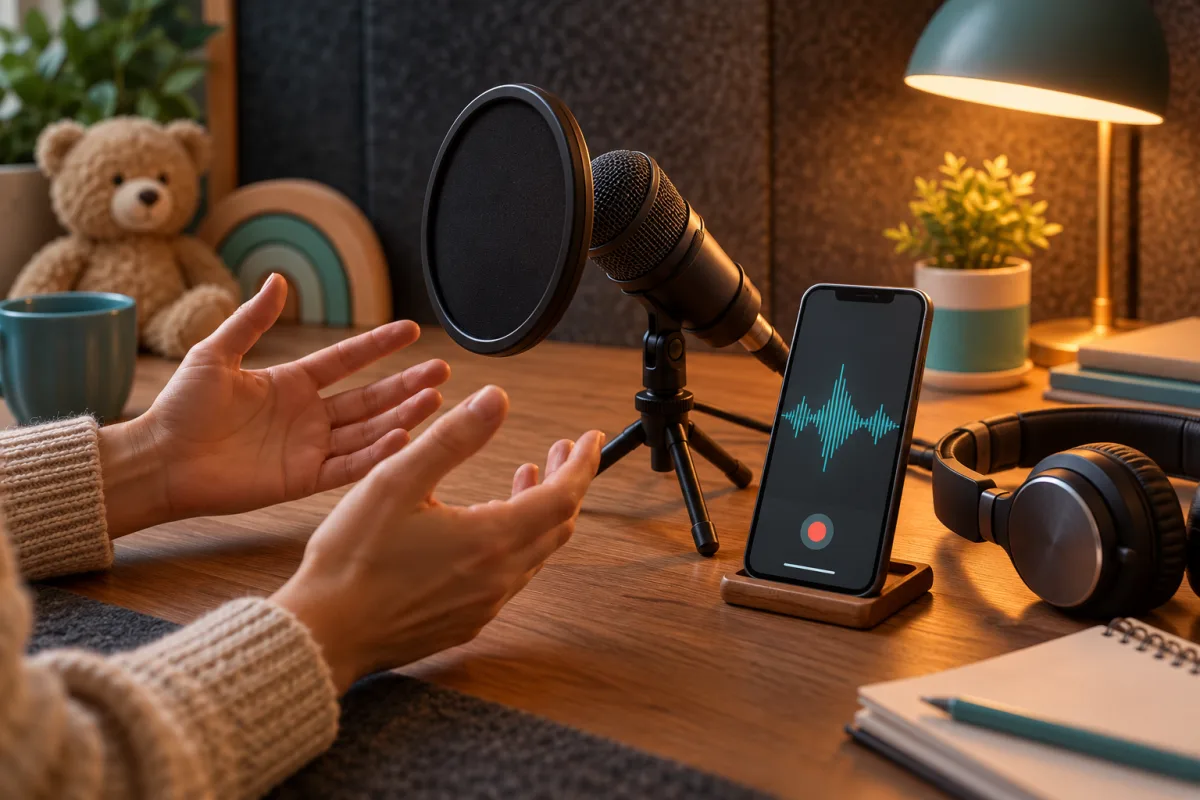
04 / THE BABY PODCAST GUIDE
Choose a preset Baby Podcast voice and type your lines. Speech is synthesized before animation, giving the mouth an actual audio track to follow. Keep sentences short and check names or unusual spellings.
Try a question and punchline: “Why is bedtime always scheduled when I have plans?” “Because management refuses to negotiate.” Type each turn separately and assign its voice. These are writing examples, not generated results.
Prefer your own performance? Advanced audio upload accepts a permitted recording. Use a quiet room and clean speech. Neither route clones celebrities or the reference speaker, or adds stock music; supplied or synthesized speech drives the result.
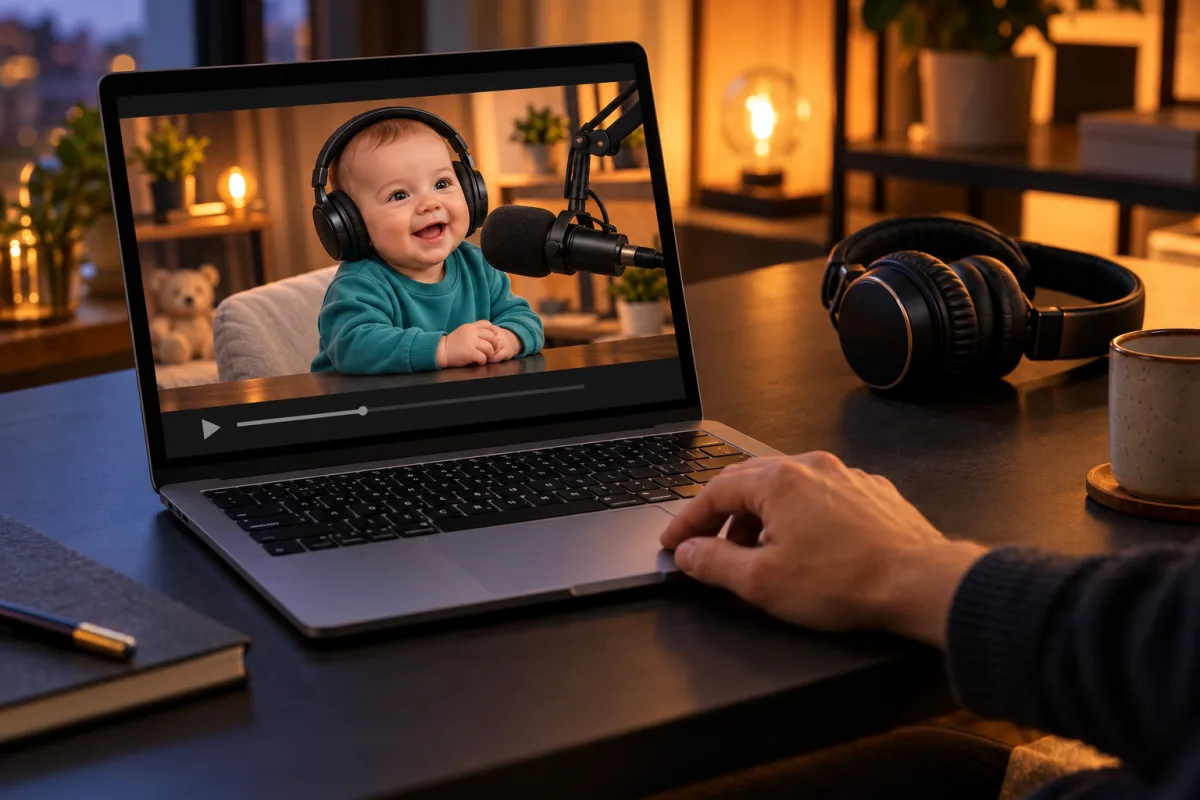
05 / THE BABY PODCAST GUIDE
Your Baby Podcast appears in a private player with sound, seeking, fullscreen and download. If sound is blocked, press play. Watching never submits another generation.
Check the entire line, mouth movements, eyes, teeth and microphone edges. With two turns, inspect the cut and sentence endings. A valid MP4 alone does not establish accurate lip sync or convincing likeness.
Early access: real results have not been quality-tested. Review identity, articulation and the join. Frame-perfect synchronization and social reach are not guaranteed.
THE SETUP / THE LINE / THE REPLY
Choose one host or two turns. Add a portrait, script and voice per speaker. Put your Baby Podcast setup first and response second.
Review portraits, spelling and speaker assignments. Advanced users can upload permitted recordings instead. The Baby Podcast panel shows the complete price before submission.
Choose guest checkout or credits. A short balance opens packs in another tab, keeping this setup. Returning refreshes your balance.
Return in this browser to check progress, watch and download your Baby Podcast. Recover an uncertain order instead of submitting and paying again.
THE REFERENCE / THE CREATOR VARIATIONS
These six independent Baby Podcast videos show several approaches: alternating baby hosts, a baby interviewing a dog and a single speaker delivering a short story. Open a video to compare its expressions, framing, captions and speaking rhythm. Use the official player’s volume controls to listen.
The selected reference cuts between two baby podcast characters in studio headphones, with close microphone shots, speaking expressions and large word-by-word captions. Its listed sound belongs to this creator’s post.
@babypodcastt7 · Original post May 5, 2025, as displayed by TikTok · Checked 2026-10-17An earlier traceable creator post presents a baby host and a dog guest through an interview format. The studio close-ups and conversational reactions establish a broader version of the talking-baby idea.
@jonlajoiecomedy · Original post April 22, 2025, as displayed by TikTok · Checked 2026-10-17A longer follow-up returns to the seated baby host, close microphone and captioned conversation. The creator says he writes the material, performs the voices and edits; AI animates the characters and changes vocal tone.
@jonlajoiecomedy · Original post April 29, 2025, as displayed by TikTok · Checked 2026-10-17Another separate episode uses the familiar baby host, recording-booth setting and conversational close-up. Compare how the recurring character and captions carry a longer sketch rather than a single looping reaction.
@jonlajoiecomedy · Original post May 16, 2025, as displayed by TikTok · Checked 2026-10-17A baby character wearing a cap and headphones sits at a microphone beside a sunglasses-wearing dog. A warm studio, tabletop props and the shared frame give this variation a different visual setup.
@theovon · Original post May 8, 2025, as displayed by TikTok · Checked 2026-10-17A mullet-haired baby character sits behind a boom microphone against a dark studio background. This compact single-speaker example focuses on delivery and facial movement rather than multiple visible hosts.
@trillcontent · Original post May 12, 2025, as displayed by TikTok · Checked 2026-10-17These are credited third-party Baby Podcast references, separate from AI Effects results. The selected May 5 post is the page’s visual reference; the April 22 creator post establishes an earlier related example, without proving a global first upload. The page’s generator creates a new clip from the inputs described in the studio.
BEFORE YOU PRESS RECORD
A fictional baby-style character hosts a podcast or delivers a line. This tool makes videos; it is separate from parenting audio shows. The featured user-selected post is a reference, not a verified first upload worldwide.
This Baby Podcast starts with one permitted adult portrait per role. It creates a baby-style character, without editing reference footage or accepting baby-photo inputs.
Type a script and choose a preset voice per host, or upload your recording through the advanced option. Synthesized or uploaded speech must fit the selected mode’s duration limit.
Yes. Your script is synthesized first, then the character and matching speech drive the talking stage. Uploaded audio can replace synthesis. The MP4 includes sound; pronunciation, mouth timing and facial detail require real-result review.
Two-turn mode joins Host A’s shot with Host B’s response. Each has a portrait, script and voice, or recording. Simultaneous conversation and two moving mouths in one shot are outside this mode.
Preparation is free. One host costs US$9.90 or 40 credits; check your mode’s quote. Insufficient credits open packs without requiring uploads or creating an order.
Yes. Watch here, then download. Recover guest orders in the same browser or use the matching member account. Downloads remain available within seven days of order creation; save a local copy.