Creator-hosted footage, credited to @molchanovamua. A traceable reference; worldwide first authorship is unconfirmed.
02 / YOUR AI INTERPRETATION
Glitch Makeup · Your face, a cyber reveal.10s · vertical MP4 · sound
Checking for your saved order…
A brush stroke. Then a break in reality.
Glitch Makeup turns a familiar beauty close-up into a small digital performance. Green cosmetic lines become windows for shifting color; a carefully timed disruption leads into a bolder look. In the featured reference, platinum hair, circuit-like makeup and measured head movements complete the illusion.
The original method combines practical makeup and editing. This tool offers a different route: it asks an image-to-video model to animate your portrait through the same broad story. It requests black geometric markings, neon-green lines, silver accents and the reference soundtrack while preserving your hair and clothes. The creator’s exact face design and wig are not copied.
Early access · The generation workflow is connected. Real paid output quality has not yet been verified. The illustrations below are original AI concepts, not videos generated by this tool.
THE VISUAL RECIPE
Glitch Makeup in three beats.
The Glitch Makeup sequence is a direction for the model; the timing and finished details can vary.
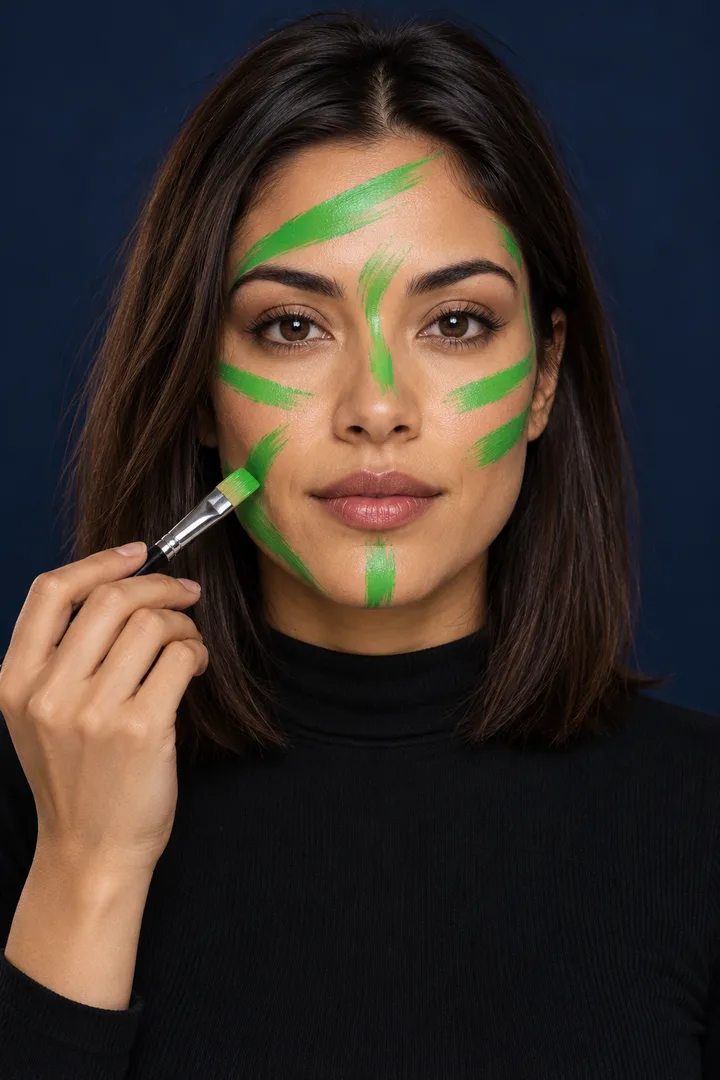
01 / PAINT
The green cue
A few simulated brush strokes establish the transition. The model introduces this action from your still photo.
02 / DISRUPT
A controlled glitch
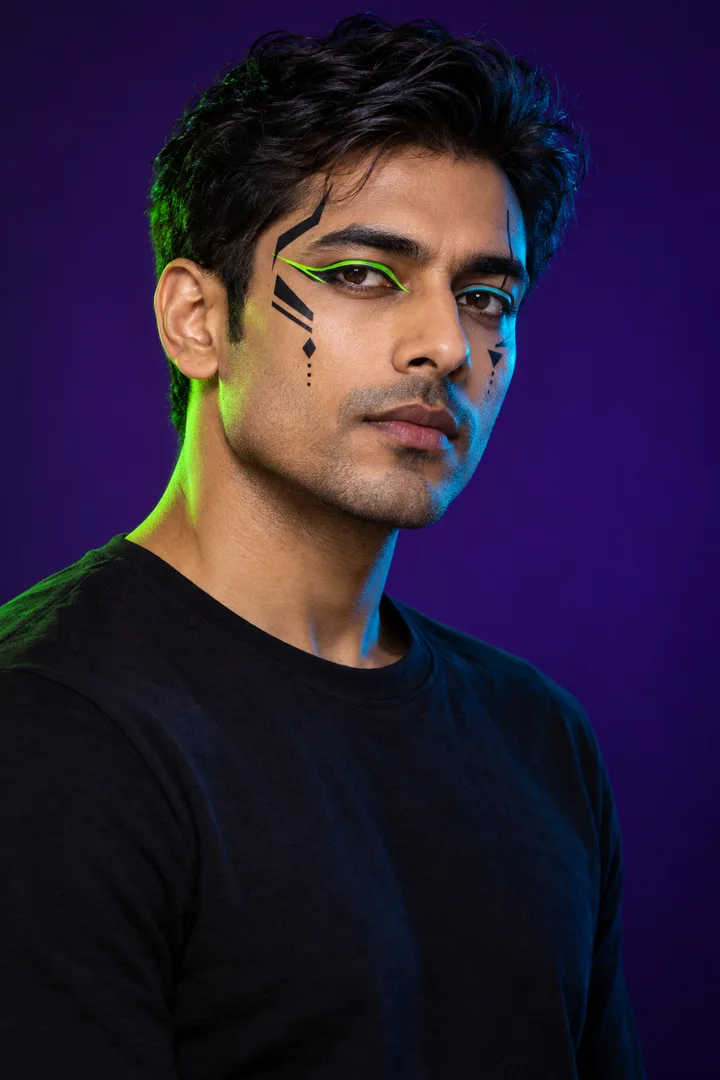
A brief RGB offset and deliberate head-and-shoulder movements give Glitch Makeup its digital rhythm.
03 / REVEAL
Hold the new look
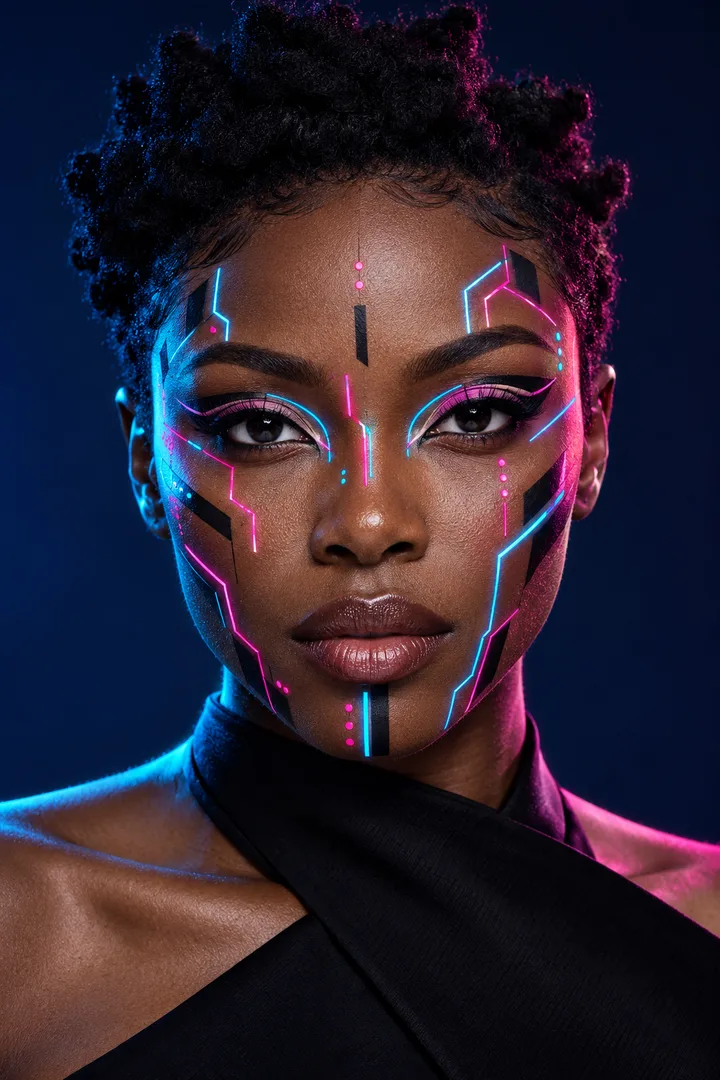
The final moment gives the makeup space to read. Illustrative color and design details are not guaranteed output.
Three independent concept portraits of fictional adults. They do not show one person before and after, or a tested generation.
WATCH THE TECHNIQUE
Glitch Makeup, through eight creators’ lenses.
Compare the green-paint reveal, different finished looks and the hands-on tutorials. Choose a video to load its official player.
@molchanovamuaCreator reference
Original TikTok player · adjust sound in the video
Creator reference
The green-paint to cyber-look reference
A traceable creator reference: green face-paint lines give way to a platinum wig, shifting colored circuit makeup and measured head movements.
Original TikTok player · adjust sound in the video
Earlier related technique
An earlier painted-glitch interpretation
This earlier related post keeps short dark hair while brush-painted lines become moving purple and green distortions; it is not the platinum-wig reveal.
These are credited creator references and tutorials, separate from videos generated here. A traceable source does not prove the first upload worldwide. TikTok availability varies by region; use the creator links if a player is unavailable.
THE PHOTO-TO-VIDEO ROUTE
How to make Glitch Makeup with AI.
01
Start with your portrait
For a Glitch Makeup video, choose one consenting adult with an unobstructed face. Upload a JPEG or PNG, then prepare a vertical crop with the crown, chin and shoulders inside the frame. Check the crop before continuing: the video begins from this photograph, so an awkward crop cannot be fixed by the transition.
02
Review the fixed look
This Glitch Makeup recipe has one signature sequence: a natural opening, a small green brush sweep, restrained RGB separation and a geometric cyber reveal. It keeps the composition close and the camera steady. There is no extra reference-video upload, prompt writing or hidden style selection; the creator videos explain the inspiration.
03
Choose how to pay
Review the US$9.90 guest price or the 40-credit member option before submitting Glitch Makeup. The consent checkbox confirms that you may use the person’s photograph. Keep the page available after payment so its saved order can resume. A slow or uncertain status is a reason to check the order, rather than start another request.
04
Download with the soundtrack
When the Glitch Makeup result is ready, download the vertical MP4. Watch the face, hands and paint transition before sharing. The reference soundtrack is already included. Listen to it with the reveal and add your own caption when posting. Generation time depends on the provider queue; this page does not promise an instant result or a fixed completion time.
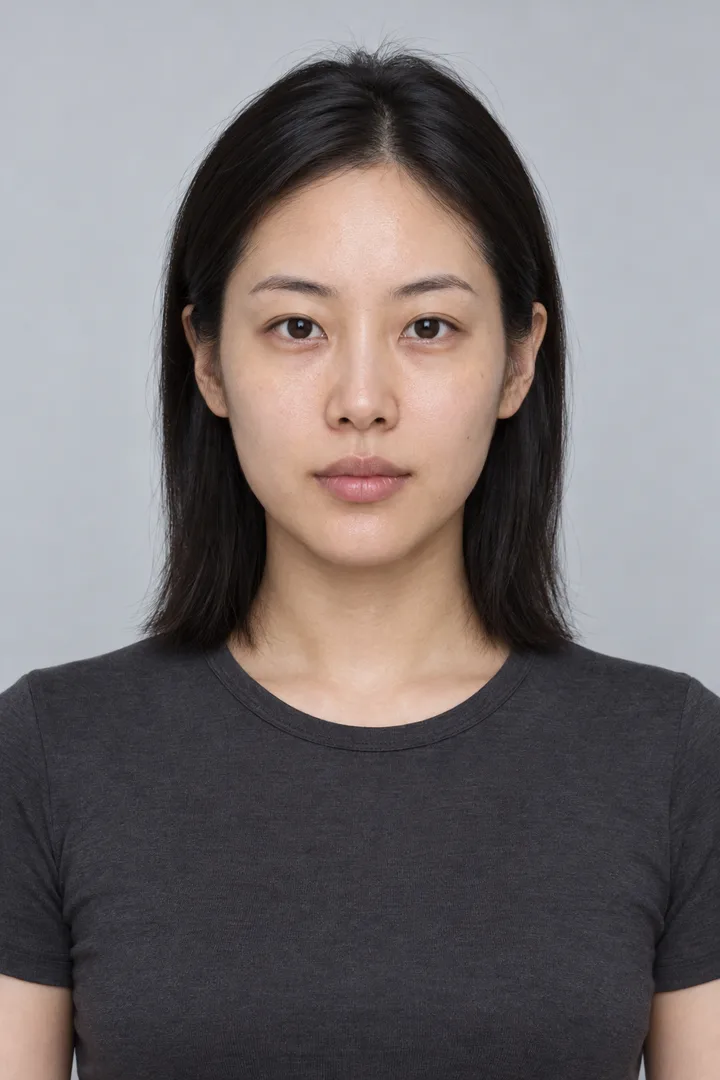
AI sample input · Fictional adult · Clear face and shoulders.
GIVE THE FACE SOME SPACE
Your Glitch Makeup photo checklist.
A front-facing portrait gives the model clear eyes, brows, lips and facial contours to work with. Use even light and a simple background. Keep enough space around the head and shoulders for the small mechanical movements; a very tight selfie leaves little room for the brush action.
For Glitch Makeup, skip sunglasses, hands across the face, heavy existing face paint and group photos. Start from a natural or lightly made-up look so the reveal has a clear beginning. The upload panel accepts JPEG or PNG files up to 10 MB and prepares a 9:16 crop. It asks for one portrait, not an existing TikTok video.
Prefer real makeup? Use the Glitch Makeup tutorials above to study placement and continuity before planning an edit.
Keep the camera and lighting fixed
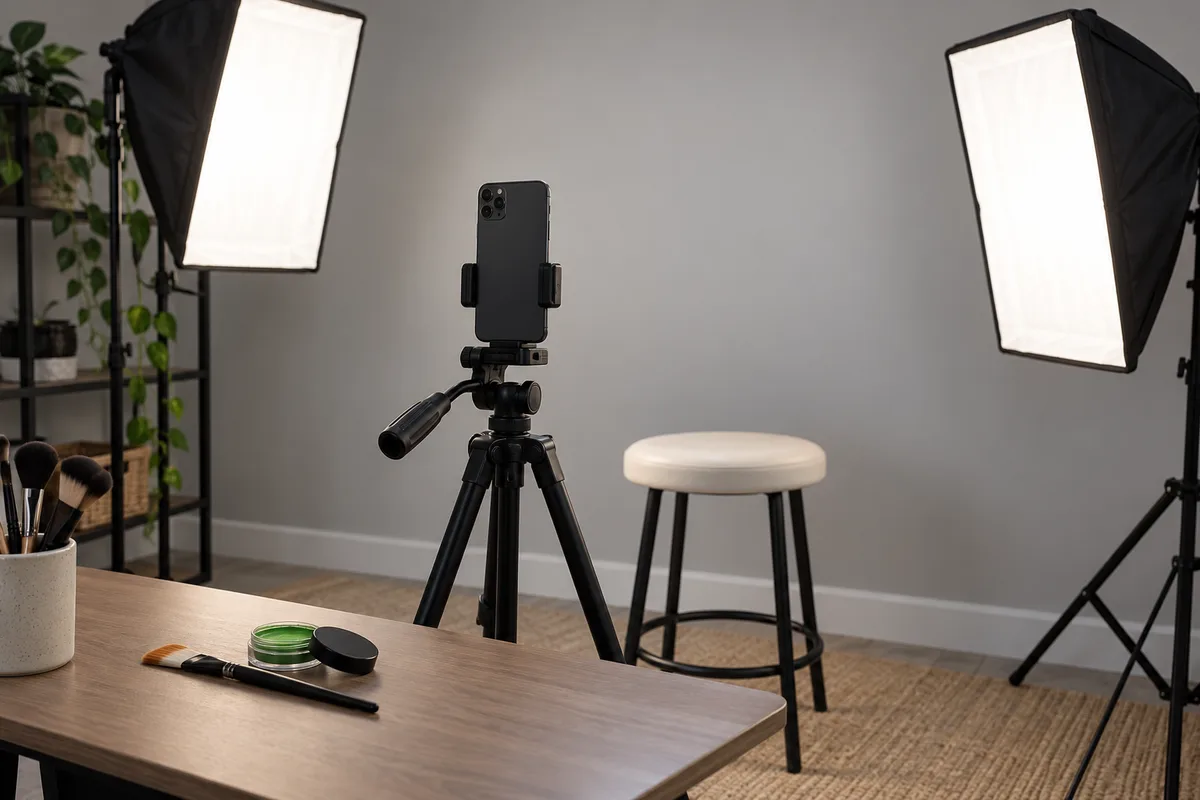
Record the opening and finished look at the same height, distance and angle. Consistent lighting makes the layers easier to align. Lisa’s behind-the-scenes video shows the setup and paired green brushes; Atarah’s longer tutorial makes the cosmetic application easier to inspect.
Separate the paint from the digital layer
The practical Glitch Makeup approach uses green cosmetic shapes as an editing cue. In an editor that supports chroma key or masks, isolate those painted regions, place a moving distortion layer behind them and refine the edges. Green paint by itself does not create the animated effect. Use makeup intended for skin and follow its product instructions.
Build a readable transition
Match the brush movement across the cut, add a short disruption and let the finished face hold. The Glitch Makeup illusion depends on continuity and contrast, so excessive shake can hide the work. Bring in your soundtrack after the visual sequence is aligned, then trim the reveal to a beat you can actually hear.
Original filming-setup concept. A stable phone and even light support matching takes.
BEFORE YOU TRANSFORM
A few useful answers.
What is the Glitch Makeup trend?
It is a makeup performance built around green brush strokes, digitally disrupted color and a cyber-inspired reveal. Some creators combine real cosmetic paint, edited layers, a platinum wig and precise head movements. Our AI version interprets the visual sequence from one portrait while aiming to keep your original hairstyle.
Who created Glitch Makeup first?
We can trace the featured creator reference to @molchanovamua and an Instagram transition tutorial dated August 17. Lisa Barcelos explicitly credits that creator. An earlier related painted-glitch post by @bluesuarez also exists. This evidence does not establish a single first creator worldwide; the credited posts let you inspect the differences yourself.
Can I make Glitch Makeup without applying paint?
Yes, the AI route uses one clear portrait and requests a simulated brush-painted transformation. You do not need to film yourself applying cosmetics. The result is an AI interpretation, and fine brush motion, likeness and makeup placement can vary. The real tutorials remain useful if you want precise control over a practical makeup performance.
Does the Glitch Makeup video include the TikTok song?
Yes. The selected Glitch Makeup reference sound is prepared as a ten-second soundtrack and built into the downloaded MP4. Listen in the creator panel before ordering. The soundtrack replaces the model’s generated sound, so there are no two overlapping tracks. The visual reveal follows the preset, but precise beat matching still depends on the generated movement.
How much does a Glitch Makeup video cost?
One 10-second video costs US$9.90 for a guest or 40 credits for a signed-in member. These are two alternative ways to fund the same request. The creator reference players and the written tutorial are free to browse. This is early access: the paid generation workflow is connected, but its real output has not yet been quality-tested.
Will Glitch Makeup keep my face and change my hair?
The recipe asks the model to preserve your identity, skin tone, original hairstyle, clothes and background. It adds geometric cosmetic details and controlled movement. The platinum wig in several creator videos is not a promised part of this version. Exact identity retention, frame-level timing and faithful brush movement cannot be guaranteed.
Can I recover my Glitch Makeup order after payment?
Keep the same browser and return to this page. The creator panel restores its saved order and checks server-side payment and generation status. A payment return message alone does not prove a successful payment. If the result needs review or a request is still processing, use the existing order status instead of paying again.
Follow the Glitch Makeup source trail.
For Glitch Makeup, we distinguish a traceable inspiration chain from proof of a worldwide first upload. Molchanova’s Instagram tutorial is dated August 17; the featured TikTok follows on August 19. Lisa credits Molchanova, while Blue Suarez’s July 29 post shows an earlier related painted-glitch technique. The gallery keeps these different examples attributed.