
Make a new connection from two images
Your first and last images define the visual endpoints. Use AI video transitions for a new outfit, location or product reveal. Show clearly what should change and what should remain recognizable.
TWO SHOTS. ONE CONNECTION.
Your starting point.
Your destination.
Make AI video transitions between two images, or connect your video clips with a generated bridge. Choose the movement and finish with sound.
Make your connection Watch the references ↗WATCH THE MIDDLE
A flock covers the view, revealing a rooftop skater. This official Higgsfield reference shows why AI video transitions need an action and a destination.
Silent visual reference, not our result. New bridges generate their own sound; no reference song is included.
A foreground cover reveals the next scene.
Higgsfield · Original source Official reference · silent source · not our output · Checked 2026-10-24Restoring your private order…
START WITH THE VIDEO YOU WANT
Your first and last images define the visual endpoints. Use AI video transitions for a new outfit, location or product reveal. Show clearly what should change and what should remain recognizable.
For AI video transitions between two videos, the browser extracts clip A’s last frame and clip B’s first. Those images guide generation. Local assembly then joins A, the bridge and B, retaining your original footage and sound.
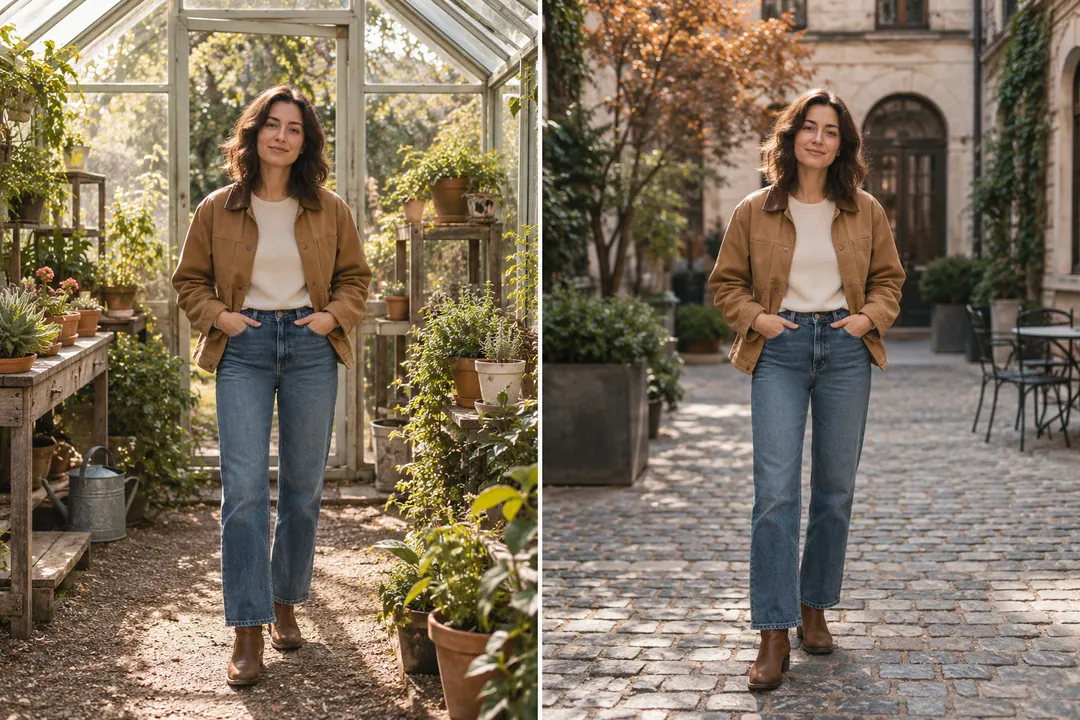
01 / PREPARE THE ENDPOINTS
Prepare AI video transitions with sharp, compatible frames. Compare subject size, eye level and body placement. A close face becoming a distant figure requires extra movement; similar framing gives the middle a simpler job.
Choose vertical, landscape or square framing. Inspect the actual clip boundary frames before paying.
DIRECT THE CONNECTION
Start AI video transitions with one clear movement. These directions guide a new generation rather than copying a reference frame for frame.
Transform shapes and textures gradually from your first frame into your last.
Before-and-after looks, products and similar compositions.Travel sideways between locations with a continuous camera movement.
Travel scenes, rooms and connected places.Move toward a shape or opening and reveal the destination beyond it.
Doorways, windows and matching shapes across two scenes.Let a foreground shape briefly cover the view before revealing your final scene.
A deliberate visual reveal between very different scenes.
02 / TRANSFORM
Give AI video transitions a stable silhouette when changing materials, clothing or appearance. The vase illustration explains gradual transformation; exact product lettering and geometry are not guaranteed.
Inspect faces, hands and reflections throughout the middle. Generated changes are creative imagery, not evidence of a real physical result.
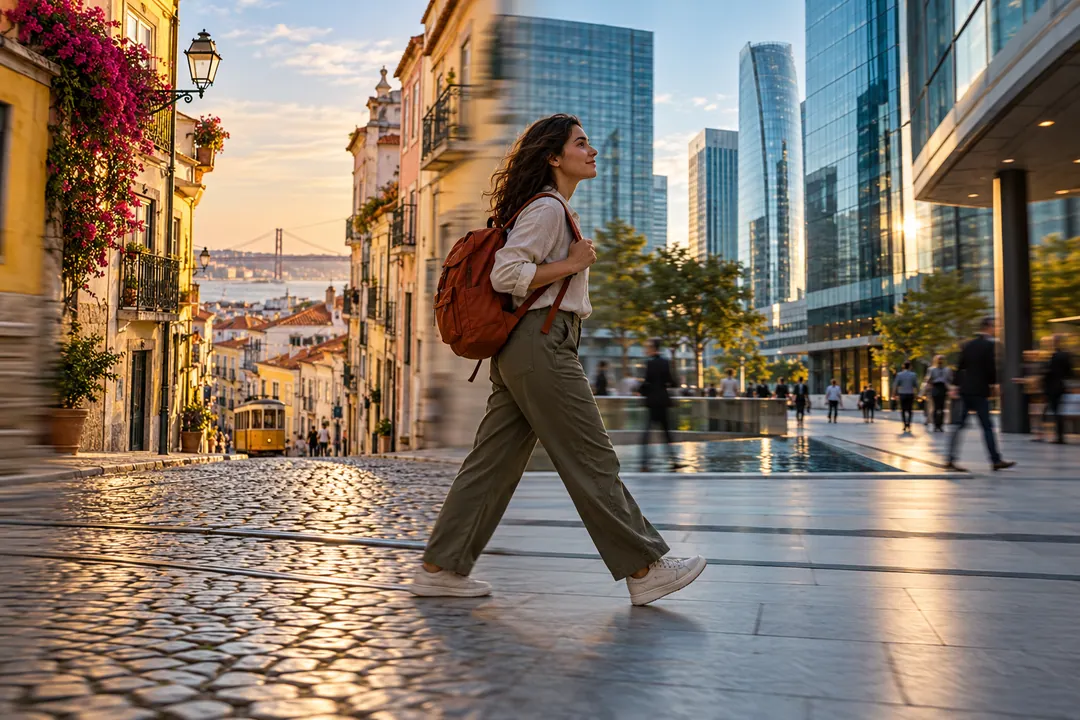
03 / MOVE THROUGH THE SCENE
Choose camera pan for AI video transitions that carry a sideways move into another location. Match the horizon and subject scale, and make the destination readable.
Professional edits may add speed ramps, blur and color matching. Those finishing steps and measured three-dimensional camera reconstruction are outside this studio.

04 / REVEAL A DESTINATION
Guide AI video transitions through a shared window, doorway or shape. Alternatively, cover and reveal uses a foreground object to obscure the view before unveiling the destination, as the credited examples demonstrate.
An ordinary cut or dissolve can suit an interview better. Use generation when inventing a connecting movement serves the story.
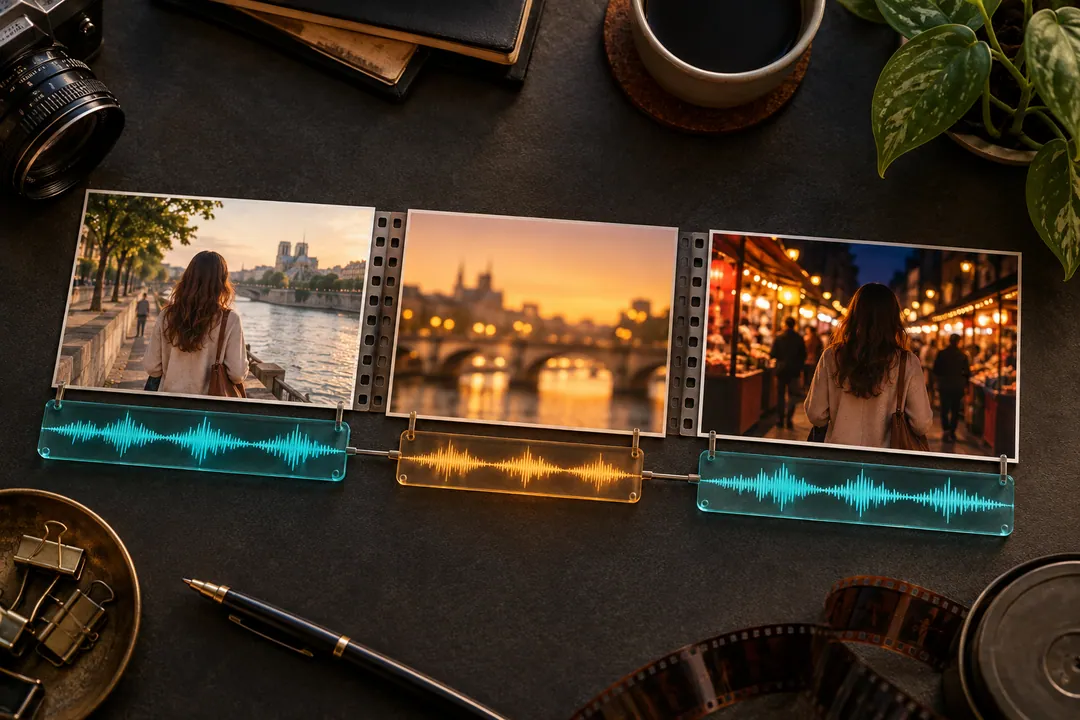
05 / KEEP THE SOUND WITH THE SHOT
AI video transitions request new music, ambience and a movement cue with the picture. Each direction has its own sound instruction; the bridge keeps that generated audio.
Clip assembly preserves A’s audio, the bridge’s generated sound and B’s audio in sequence. Listen to the joins: this is not automatic beat matching or dialogue synchronization.
CREDIT THE PEOPLE WHO MADE IT
These three silent visual examples share one publisher, Higgsfield. The separate creators’ tutorials may include additional tools and finishing beyond this studio.
A turn joins changing clothes and locations.
Higgsfield · Original source Official reference · keyframes inspected · silent source · Checked 2026-10-24Colorful flowing shapes connect supermarket and restaurant.
Higgsfield · Original source Official reference · keyframes inspected · silent source · Checked 2026-10-24Flames cover an office portrait, revealing a street.
Higgsfield · Original source Official reference · keyframes inspected · silent source · Checked 2026-10-24External tutorials; metadata and stated chapters checked, complete playback not reviewed. Sponsorship is identified below.
Clip upload and custom directions inside an editor.
VEED STUDIO · Original source Official product tutorial · chapters checked; full playback not reviewed · Checked 2026-10-24A commercial breakdown with additional finishing steps.
Wonder Studios · Original source Creator case study · additional post-production · full playback not reviewed · Checked 2026-10-24A photo-led approach to planning endpoints.
Premiere Basics · Original source PixVerse-sponsored tutorial · metadata checked; full playback not reviewed · Checked 2026-10-24An author’s workflow and included prompt.
Joey Pusateri · Original source Independent tutorial · title/author checked; specific shots not reviewed · Checked 2026-10-24An editor’s approach to connecting shots.
Joshua Esca · Original source Independent tutorial · title/author checked; specific shots not reviewed · Checked 2026-10-24Endpoint movement within a larger storytelling workflow.
Tao Prompts · Original source PixVerse-sponsored tutorial · chapters checked; full playback not reviewed · Checked 2026-10-24BEFORE YOU GENERATE
Check these practical conditions before submitting your AI video transitions.
AI video transitions generate movement between your chosen first and last images. For videos, the browser takes clip A’s last frame and clip B’s first. After generation, local assembly places that bridge between the original clips.
Yes: MP4, MOV or WebM, each 0.2–20 seconds and at most 60 MB. Encoding support is checked before payment. Originals are saved for that order in this browser for checkout recovery. The AI receives only endpoint images; full assembly happens locally.
The bridge requests newly generated music, ambience and transition sound. Assembly keeps original clip audio on either side. Reference songs, automatic beat matching and voice-preserving dialogue edits are not included. Listen to the joins before sharing.
Different framing, poses or object scales leave more for the model to invent. Simplify the movement and inspect the middle of AI video transitions. Faces, hands and text can drift; exact identity, pixel-perfect endpoints and a continuous take are not guaranteed.
Guides, references and local preparation are free. Generation costs US$9.90 per bridge or 40 member credits. Credit packages open in another tab, preserving this page. Local assembly does not generate or charge for the bridge again.
AI video transitions offer 3, 5, 8 or 10 second bridges. Shorter suits a fast reveal; longer allows gradual movement but may introduce drift. For assembled videos, add your original clip lengths to this bridge duration.
No. They are credited demonstrations and tutorials; the concept illustrations explain preparation. This early release has not been verified with our own real paid output. Connection and offline checks do not establish final visual quality or synchronization.
Use your private order access to watch or download the bridge. Full assembly needs the originals saved for that order in this browser. Changing devices or clearing storage may leave only the bridge available; download it for your editor without generating or paying again.