Put your people in the Outstanding performance. Tiny Desk AI lets you choose 1–5 roles: lead, keyboard, sax and two backing singers. Add a portrait to each part you want to change. Leave the rest as they are, with the original music requested by default.
Early access · Generated likeness, role accuracy and audio sync await real-output testing.
SOURCE PERFORMANCE · @theburnerfromhe11
@theburnerfromhe11Creator parody reference · not our output
Original TikTok player · adjust sound in the video
Credited AI parody reference, not an AI Effects result. Choose any role below; the lead is optional.
1–5 people
Choose any roles · one portrait each
19 sec
Complete selected performance
720p
9:16 vertical MP4 · source music requested
100 credits
Per video · member account required
CAST YOUR OUTSTANDING MOMENT
Choose who joins the band.
1–5 people · Original music · Your cast
@theburnerfromhe11Creator parody reference · not our output
Original TikTok player · adjust sound in the video
Five roles. You choose the cast.
Add one portrait to any role, or fill all five. The red-cap lead and white-cap keyboard player are different people. Left and right mean the positions you see while watching this reference.
00:00 Lead singer · opening
00:01 Keyboard & two backing singers
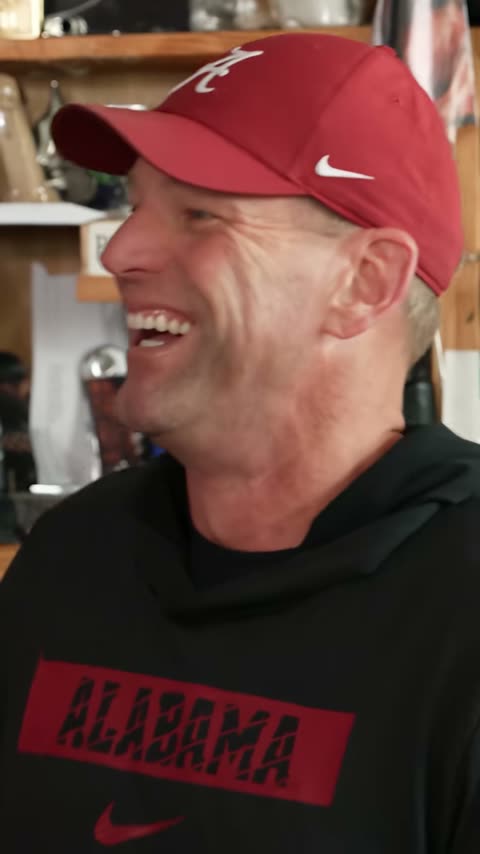
00:07 Lead singer · laughing close-up
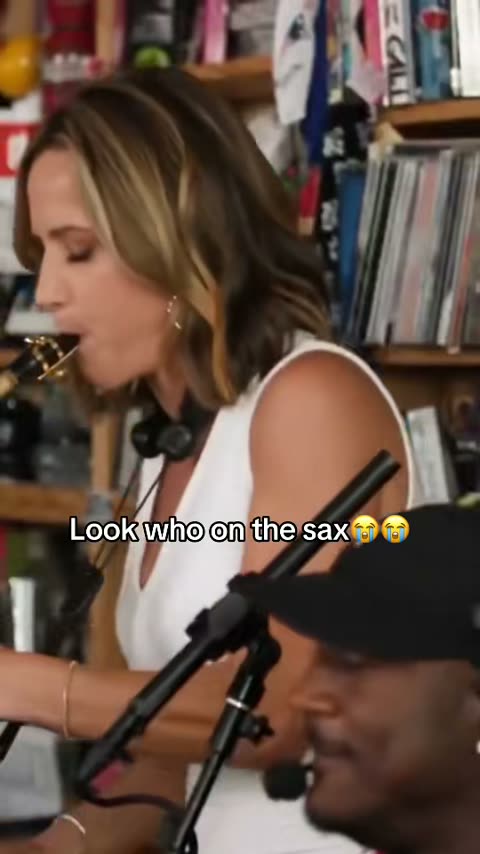
00:13 Saxophone player · solo
00:16 Keyboard & backing singers · finale
Creator reference by @theburnerfromhe11, checked October 27, 2026. It is not an AI Effects output.
Your cast. The Outstanding performance.19s · 720 × 1280 · MP4 + source sound
Checking for your saved order…
Photos stay private. Unsubmitted photos and your permission choice are saved on this device for up to 24 hours. Input links expire after 24 hours; completed downloads after 7 days. How photos are handled
FROM YOUR CAMERA ROLL TO THE BAND
How to make your Tiny Desk AI video
01
Decide who plays each part
Start with any role you like. Put a friend on sax, take the keyboard yourself, or recast all five performers. You only need one selected role to begin; the lead singer is optional.
02
Add a portrait to each role
Use one clear photo of a consenting adult in every selected slot. Check each name and preview before submitting. An empty slot keeps the original performer; a group photo does not assign several people.
03
Watch, download, share
Follow your order here, then play the private result with sound and download the MP4. Review every selected person across the cuts, including the group shot and sax solo, before sharing.
THE JOKE IS WHO JOINS THE BAND
A familiar performance. Your own cast.
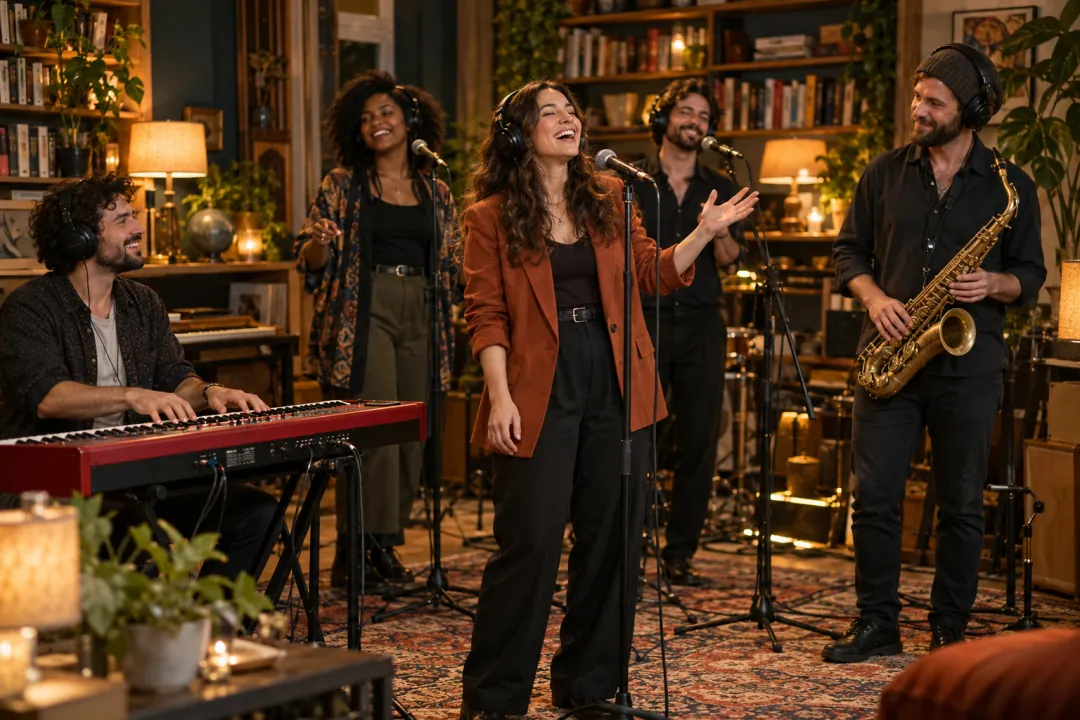
The Tiny Desk AI trend puts unexpected people into a joyful desk-side concert. A lead sings and laughs, the keyboard player and backing singers groove together, and a saxophone solo supplies another reveal. Choosing who appears in each part gives the familiar sequence a new joke.
The fixed reference is @theburnerfromhe11’s All-Loss parody, derived from Charlie Wilson’s Outstanding performance, published by NPR Music in June 2023. AI receives the actual prepared source video and your selected portraits, then generates a new replacement version. It is asked to preserve the room, instruments, actions and camera cuts; details can change.
Make the cast meaningful to the people watching: a few friends from your group chat, consenting teammates or your own small band. One recognizable person can carry the idea, while several chosen roles can make it a shared joke. You decide the cast size instead of having to fill every position.
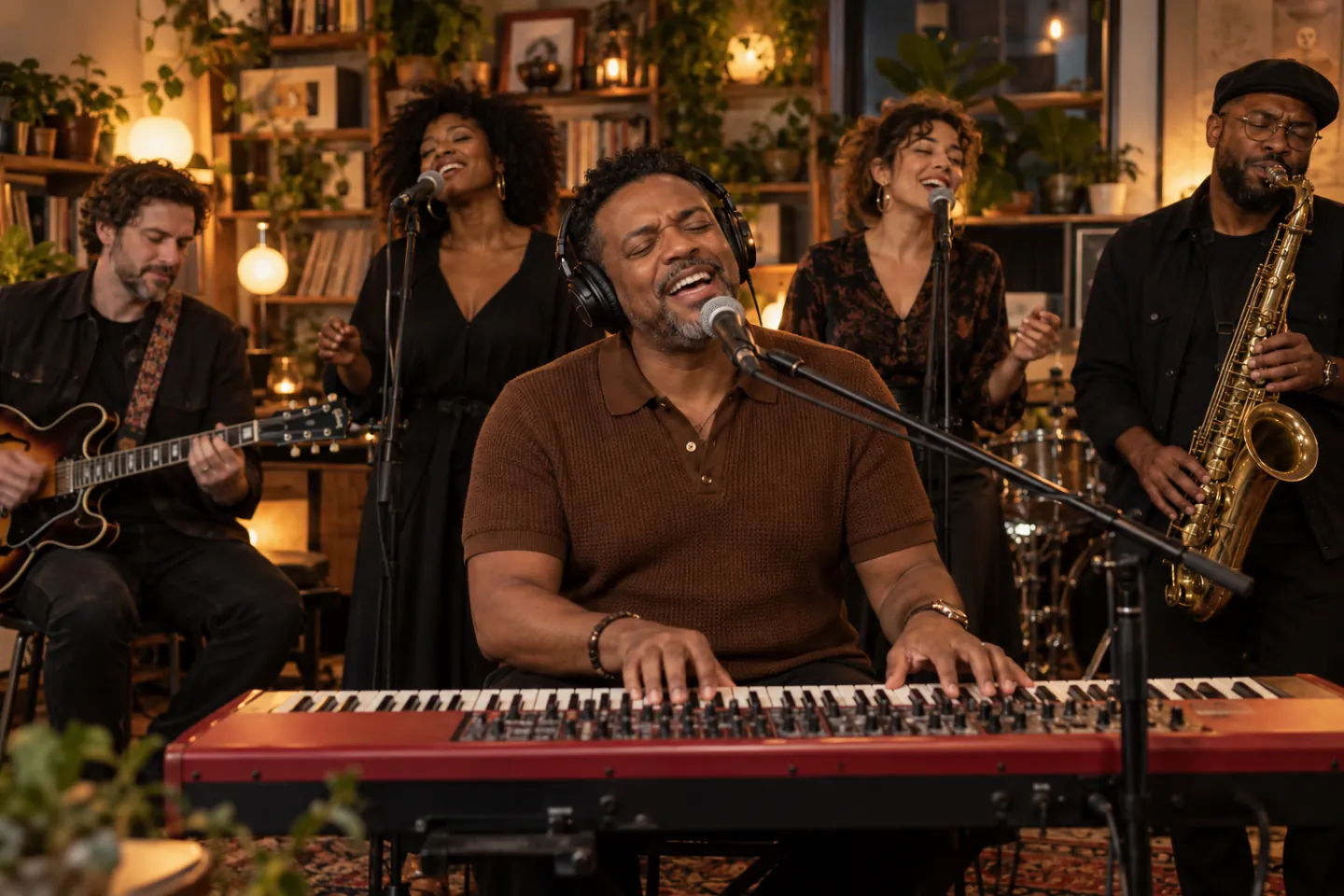
Concept illustration · The intimate desk-concert setting · Not video output
FIVE ROLES. YOU CHOOSE WHICH CHANGE.
Who gets the microphone, keys and sax?
Tiny Desk AI assigns each uploaded portrait to one named role. Select any combination of one to five parts. The lead, keyboard player and saxophonist are different people in the reference; choosing one does not automatically replace the others.
Left and right mean the viewer’s left and right in the band shot. Leave a role empty to request the original person unchanged. For example, choose only sax for one surprise reveal, or add the keyboard and both backing singers while keeping the source lead.
Lead singer
Red A cap and black ALABAMA hoodie; the opening and laughing close-up.
Keyboard player
White cap at the red keyboard; visible in the group shots.
Saxophone player
Navy-and-white clothing; the solo near the end of the clip.
Backing singer · left
White clothing, behind the keyboard on the viewer’s left.
Backing singer · right
Glasses, red-and-black IU clothing and a tambourine on the viewer’s right.
Role selection defines the editing request. AI may still mix identities, change clothing or affect an unselected face; five-person consistency has not been verified in a real generated result.
FIVE SHOTS. ONE CONTINUOUS RECORDING.
The Tiny Desk AI performance, beat by beat
The selected 19-second reference keeps its opening, group shot, lead close-up, sax break and return to the band. These times describe the source edit; they do not promise that every generated movement will match it exactly.
01
The opening
A side view introduces the lead. This person changes only if you select the lead role.
02
The band
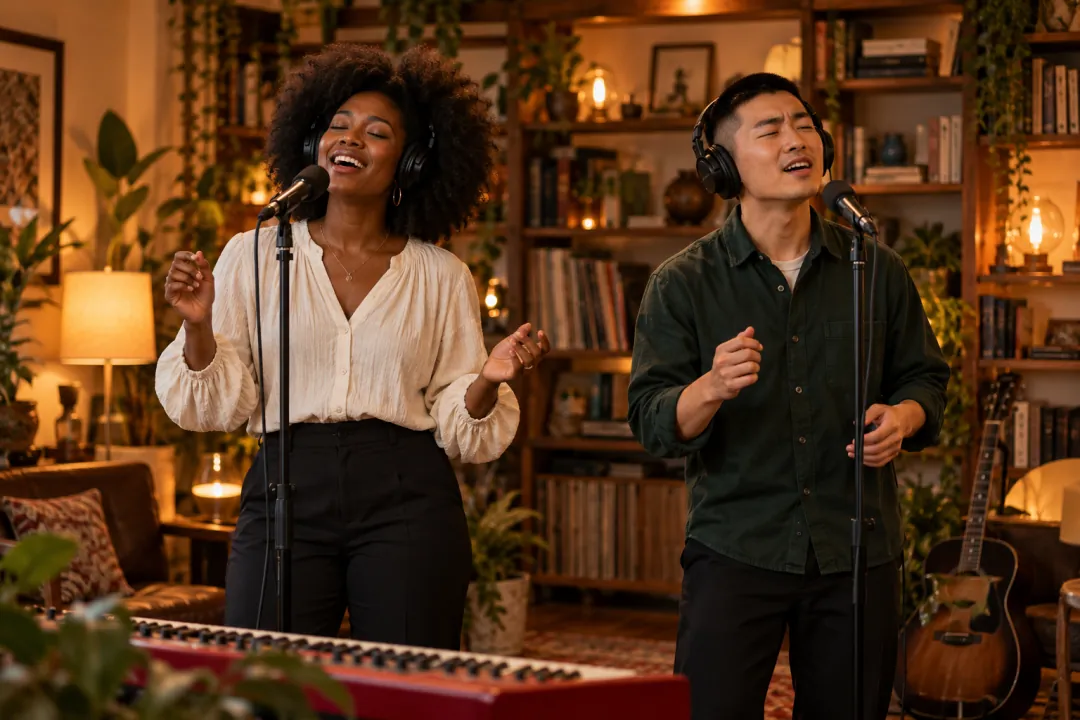
The keyboard player and two backing singers appear together: three separate casting choices.
03
The close-up
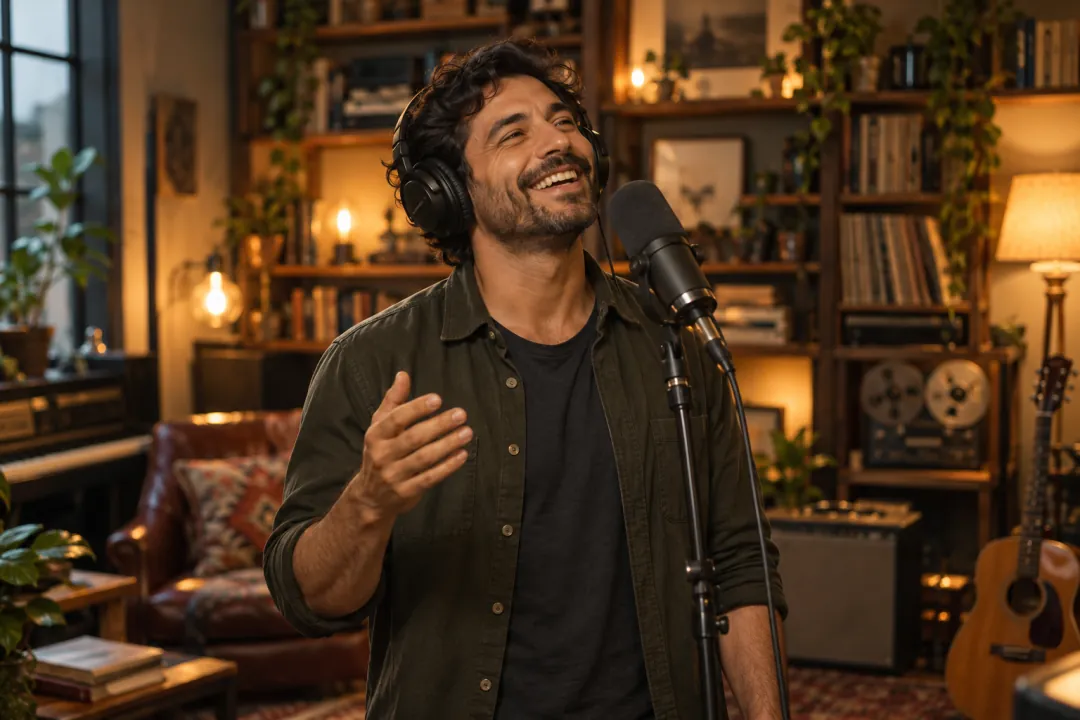
The lead sings, laughs and gestures. Check the selected identity and expressive movement here.
04
The sax break
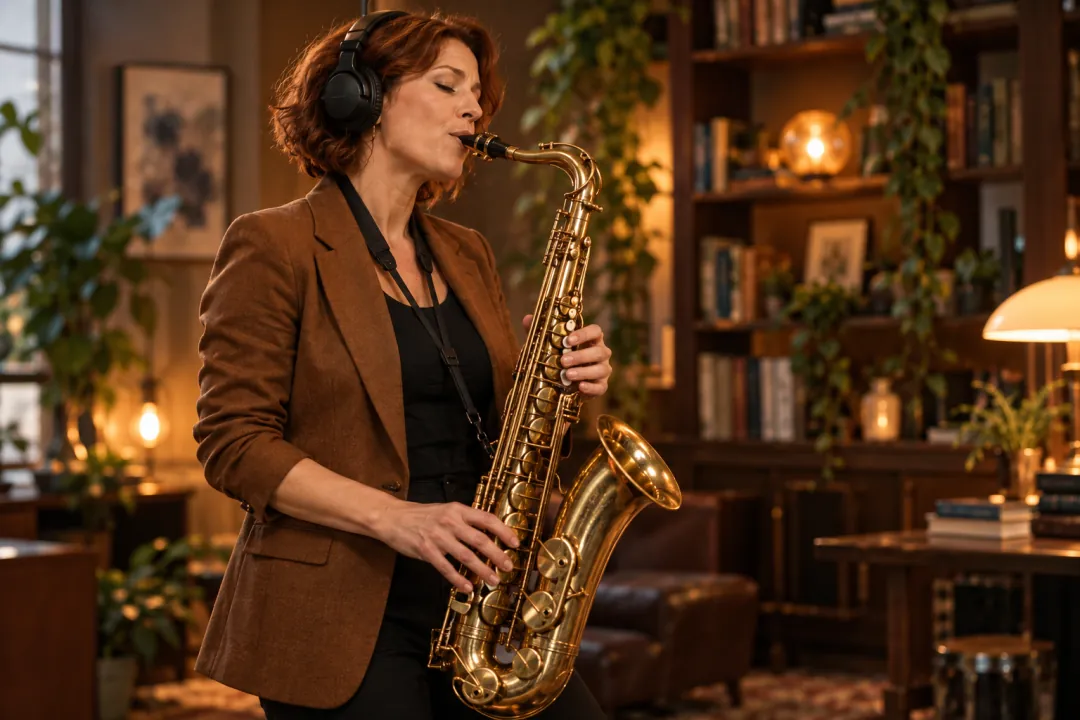
Your selected sax player gets the solo, or the reference saxophonist stays if that slot is empty.
05
The return
The group returns. Check that the same keyboard and backing identities carry through both views.
Concept illustration · The expressive lead · Not video outputConcept illustration · The supporting cast · Not video outputConcept illustration · The solo · Not video output
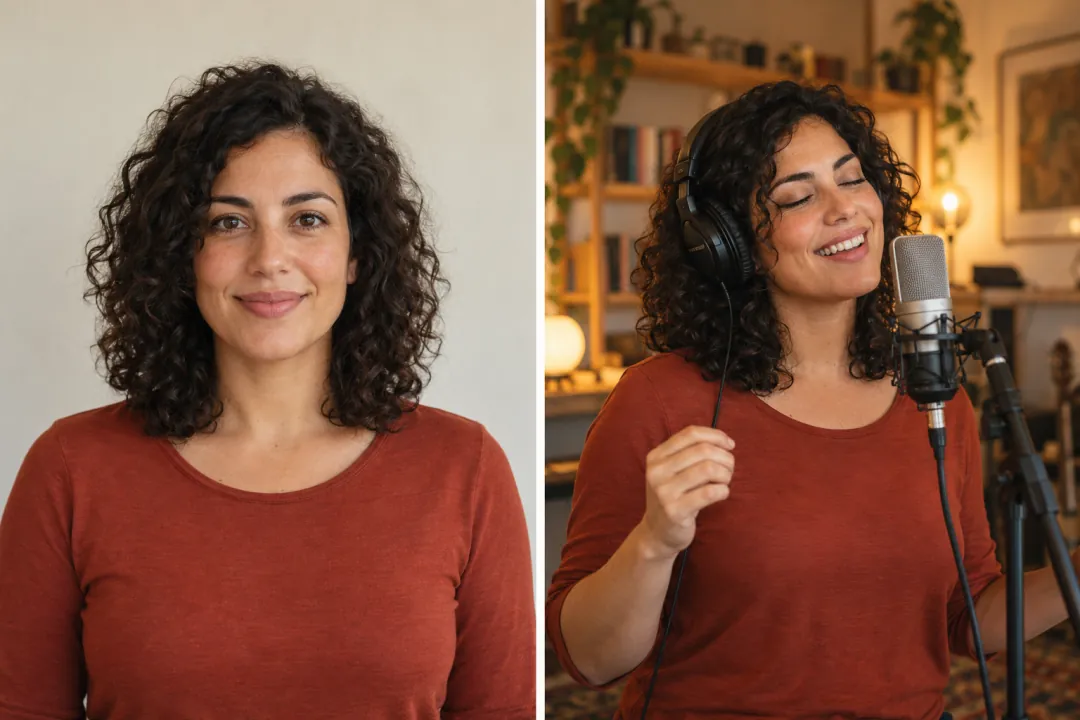
Concept illustration · Photo preparation, not a real before-and-after · Not video output
CLEAR PHOTOS MAKE THE CAST EASIER TO READ
Prepare your photos for Tiny Desk AI
Choose a separate, sharp portrait for every role you want to replace. Show the whole face, hair and shoulders in even light. A front or gentle three-quarter angle gives more identity detail than a distant full-body shot. Keep only the intended adult in each image.
Avoid sunglasses, beauty filters, strong shadows and hands covering the mouth. You do not need a microphone, instrument or singing pose in the photo. Check the preview in each role slot: the person selected for sax should not accidentally occupy a backing-singer slot.
Familiar hair and clothing can help people recognize the cast, but exact logos, headwear and garment details may change. The illustration shows a fictional portrait and imagined setting, not a measured before-and-after result. Real identity preservation remains unverified.
THE MUSIC IS PART OF THE MOMENT
Keep the song, laugh and sax together.
Tiny Desk AI requests the original performance audio from the same prepared 19-second source video by default. The intention is to keep the musical phrase, laugh and sax entry on their existing timeline while changing your selected performers. You do not need to upload a separate recording.
A portrait supplies visual identity, not a voice sample. This release does not offer cloned voices, new lyrics or a custom song upload. Listen to the reference before starting to hear the performance used for this edit. A different cast does not mean a different singer’s voice.
Source-audio preservation is an editing request, not proof of perfect lip sync or audible quality. Watch the result with sound and check the mouth movements, instrument moments and cuts. Real generated-output testing is still pending, including whether the requested music is retained correctly.
Concept illustration · A complete performance, including the finale · Not video output
THE SAME PERFORMANCE, DIFFERENT CASTS
See the Tiny Desk AI trend in context
These four credited creator videos show different sports casts and the role reveals that make the format recognizable. They are independent references, not AI Effects outputs. Only the first is the fixed source for this editor; the others provide casting ideas, not selectable source templates or proof of our result quality.
@theburnerfromhe11Creator parody reference · not our output
Original TikTok player · adjust sound in the video
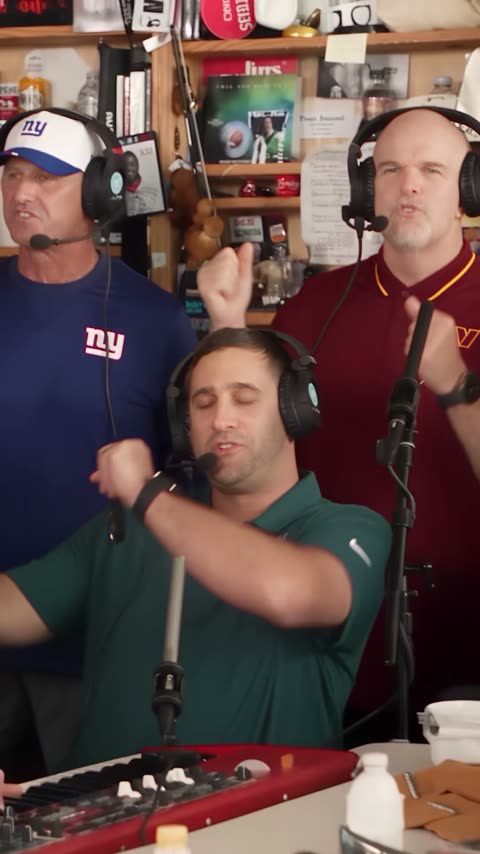
Outstanding: the coaches at the desk
The fixed 19-second source for your new version. Choose any of five roles and request the same camera cuts, actions and recorded sound; unselected performers should stay.
@lawsnationCreator parody reference · not our output
Original TikTok player · adjust sound in the video
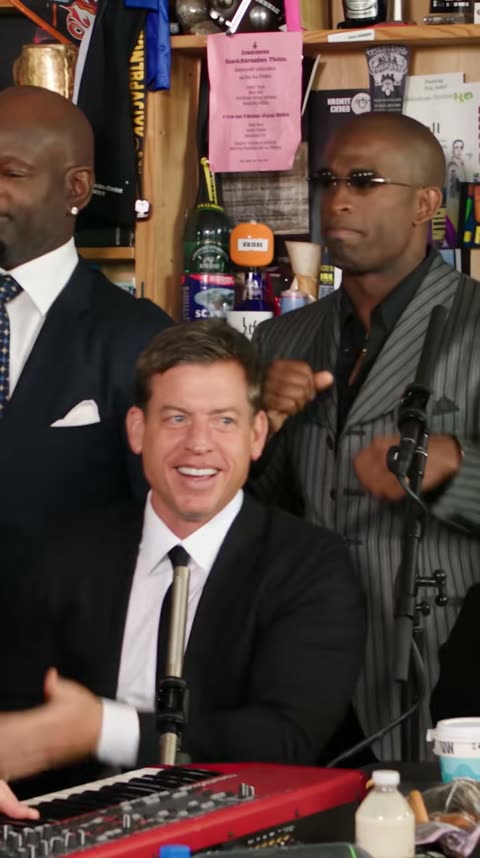
An NFC East desk session
A football-rivalry version showing how several familiar people can share the band. A creator reference for casting ideas, not a result generated by this site.
A 19-second vertical MP4 targeting 720p, with one to five selected performers replaced according to their assigned portraits. The actual source video guides the edit, and original music is requested by default. This is early access: generated likeness, role accuracy and audio sync have not yet passed real-output testing.
Can I use Tiny Desk AI with friends or choose only the sax player?
Yes. Select any combination of lead singer, keyboard player, saxophone player and two backing singers. At least one portrait is required, but the lead is optional. Leave other slots empty to keep those source performers. Use a separate single-person photo for each selected role, rather than putting a group photo in one slot.
Is Tiny Desk AI free, and what does it cost?
Browsing the references and preparing your cast are free. Generation costs 100 site credits per video and requires a member account. Check your balance before submitting. If it is short, the purchase button opens credit packs while retaining this page and its inputs. Guest checkout is currently unavailable.
Does Tiny Desk AI change the music or use my voice?
It requests the original source recording by default. Your portraits change who appears in the performance, not whose voice is heard. Song replacement, new lyrics and voice cloning are not offered. Listen to the source first, then verify the generated sound and timing before posting.
Do I need a Tiny Desk AI prompt or a separate editor?
No prompt is required. Choose the roles and upload the portraits; the source-video reference and casting instructions are prepared for you. AI generates a new version of that performance. Your private result appears here with playback and download controls. Another editor is optional for captions after review.
How do I resume my Tiny Desk AI order?
Return in the same browser, signed into the same account. Wait for a confirmed state rather than submitting another job. Generation times vary; an interrupted response does not necessarily mean failure. Recovery checks the existing order and its original cast selection.
What should I check in my Tiny Desk AI video before posting?
Check every selected role, not just the lead close-up. Look for swapped or blended faces, changes to unselected performers, inconsistent group shots, hands, mouth movements and sound across cuts. Use permitted adult photos, label the result as AI-generated and check music or platform permissions for your intended use.
Is Tiny Desk AI an official NPR tool?
AI Effects is independent of NPR, Tiny Desk Concerts, Charlie Wilson and the referenced creators. Credits explain the trend without implying sponsorship. The six fictional concept illustrations and four public creator references are separate from your private generated result.
A DIFFERENT IDEA FOR YOUR NEXT CLIP?
Keep creating in AI Effects.
Tiny Desk AI is for recasting this fixed concert performance. For a character speaking your own lines, explore Baby Podcast. For a portrait following a dance reference, try Jean Phil. Each page explains its own inputs and sound before you start.